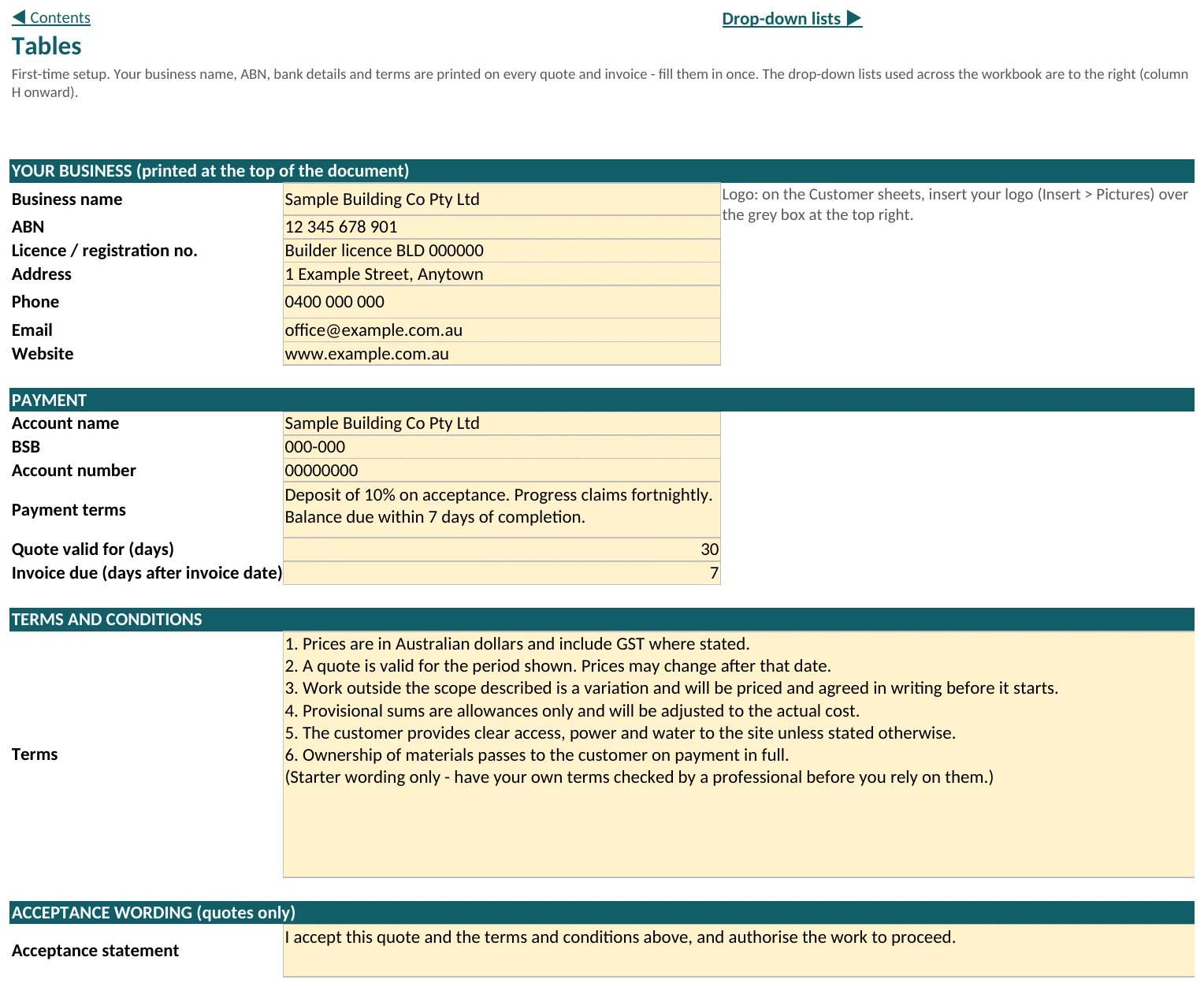
Tables, first time only
Enter your business name, ABN, bank details, payment terms, and terms and conditions. The business details print at the top of both customer documents. The payment details, terms and acceptance wording print on the Summary document.
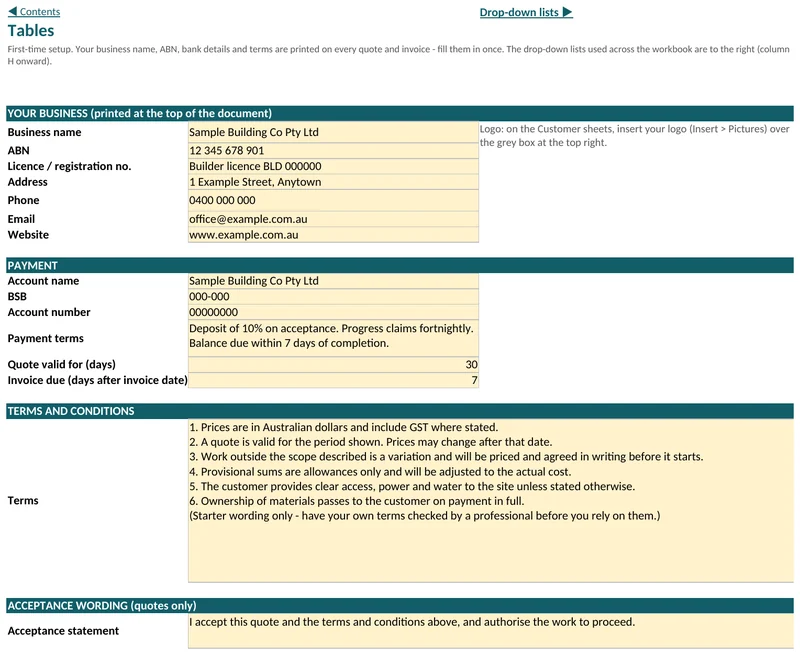
Tables. Rate sheets
Replace the sample figures on Schedule of Margins, Labour Rates, Material, Other Direct Cost and Subcontractors with your own, GST exclusive.
Project Setup, for each job
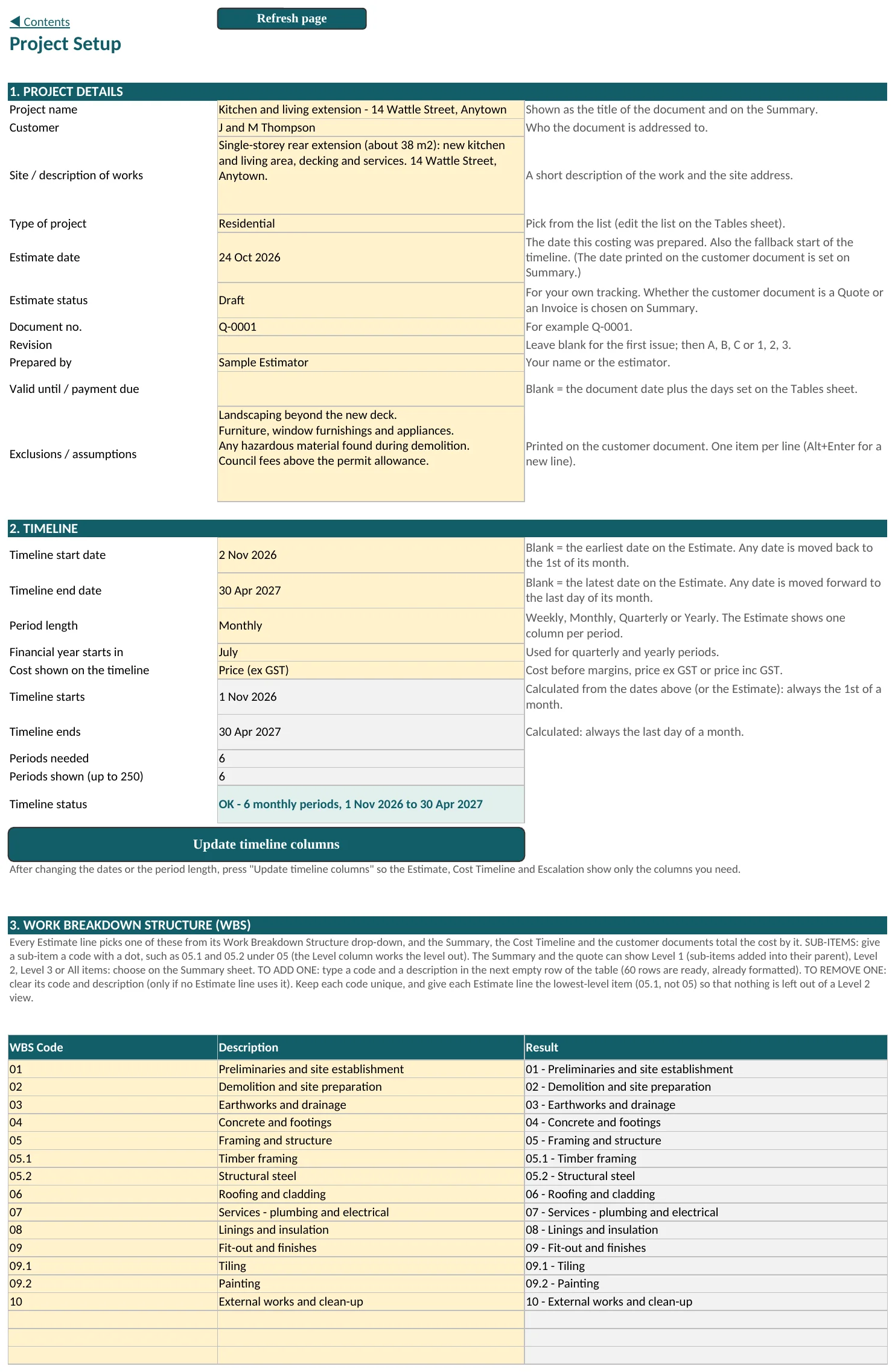
Fill in the project details, the timeline and the WBS list, then press Update timeline columns.
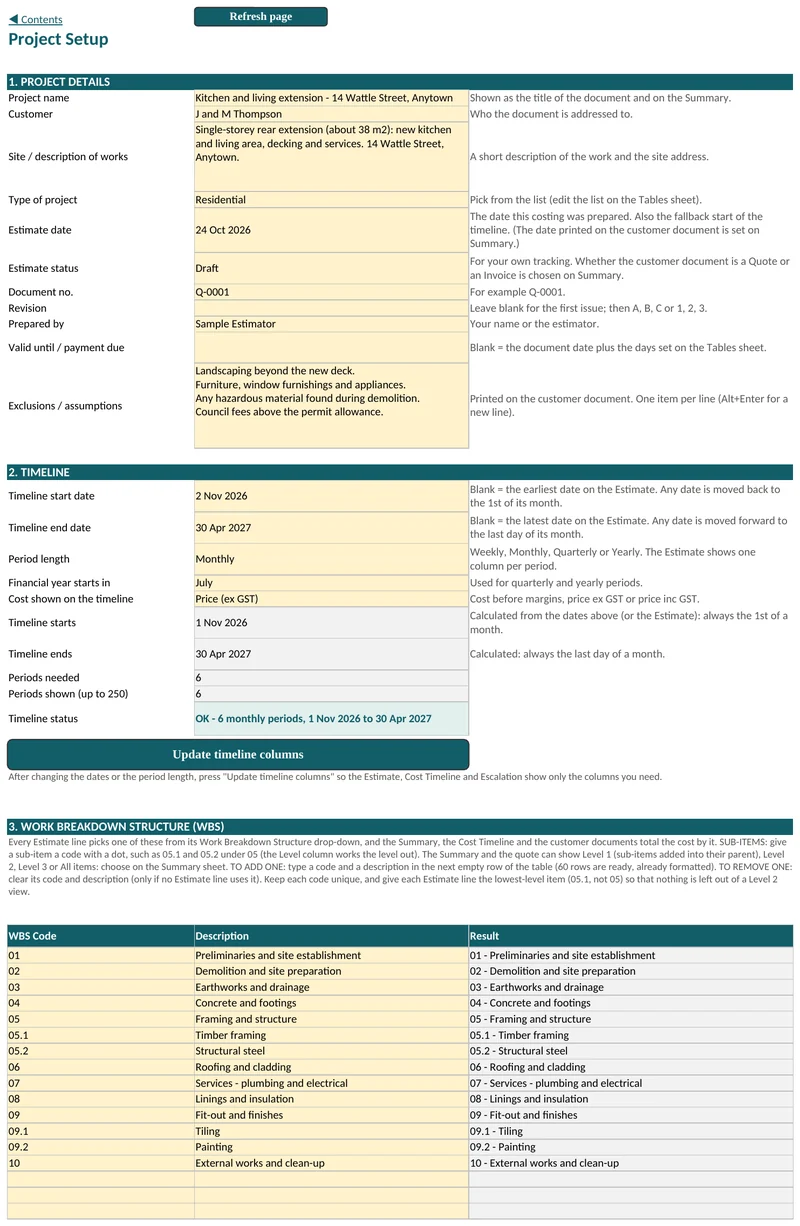
Project Setup. Estimate 1
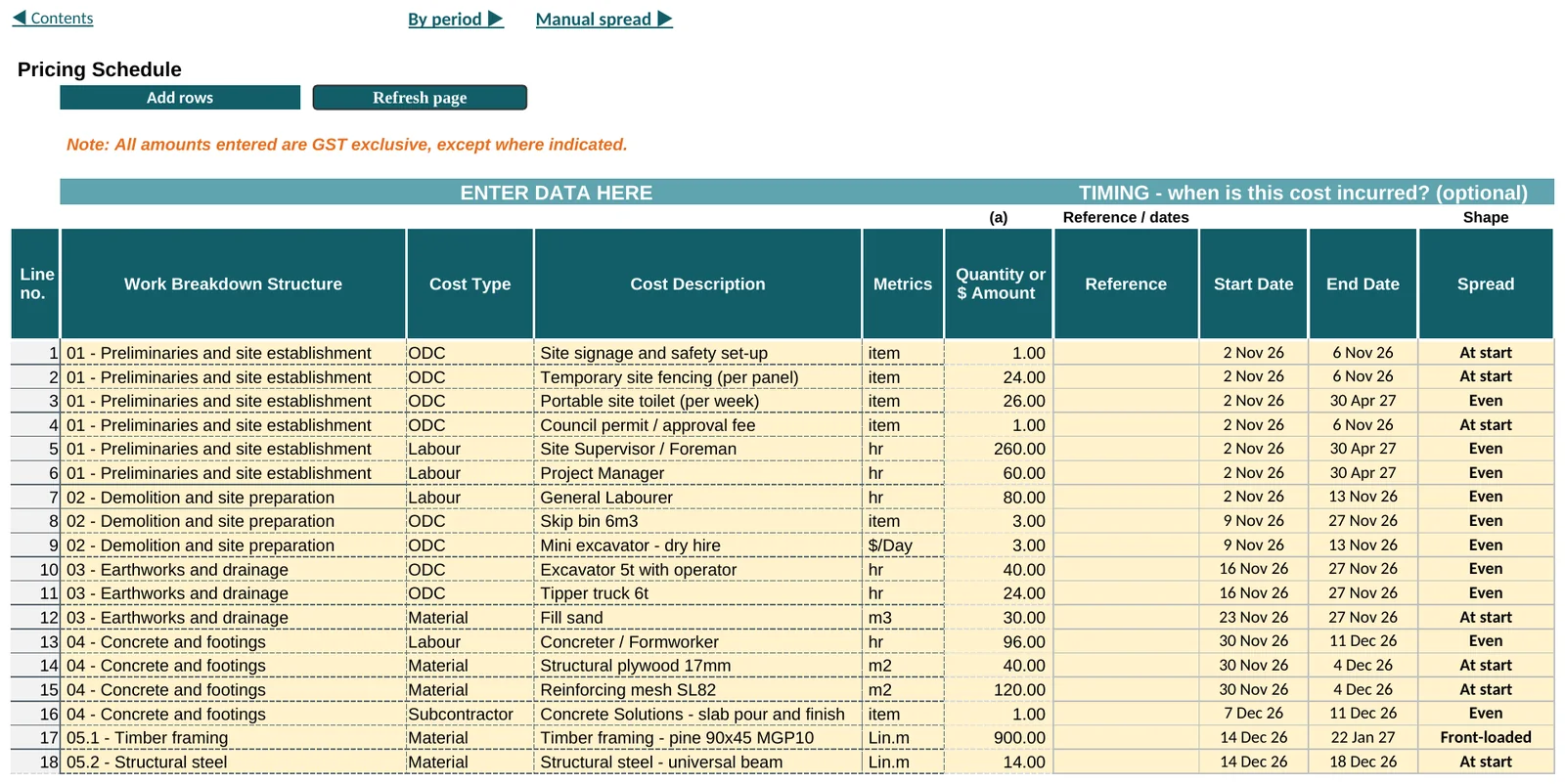
Go to the next empty row and pick the Work Breakdown Structure item and the Cost Type. Choose the Cost Description and its Metrics (the unit), then enter the Quantity or $ Amount. Spare rows appear as you type. Press Add rows if you need more than the 186 lines you start with.
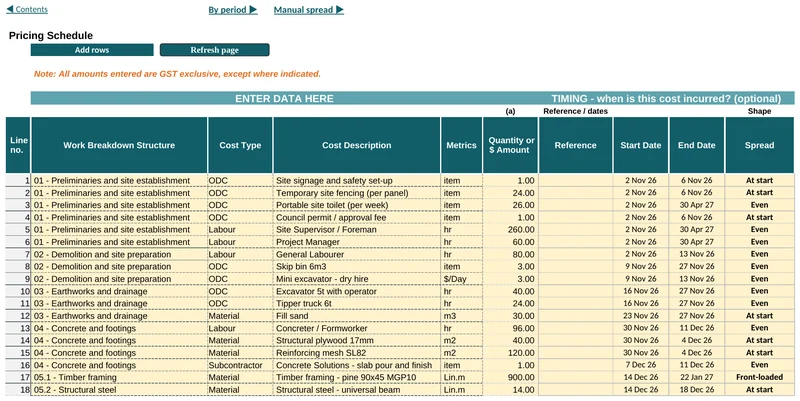
Estimate 1. Check the data checks line
At the top right of Estimate 1, and on the Summary, it should say All lines OK. If it does not, the Check column on each line says what to fix.
Project Register
Add provisional sums, set each Variation's status and record the revision.
Summary
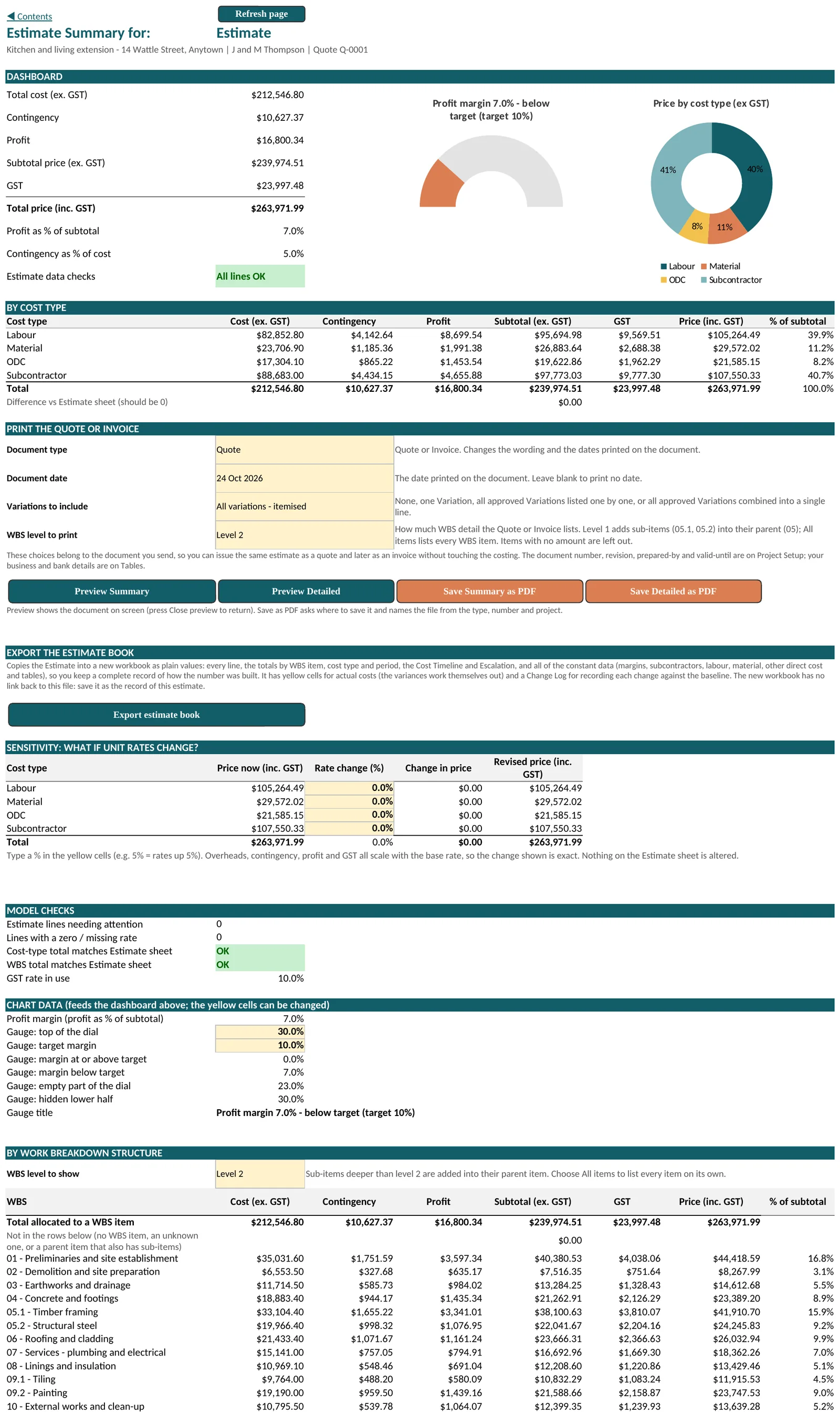
Confirm the price and the margins, and that every model check reads OK.
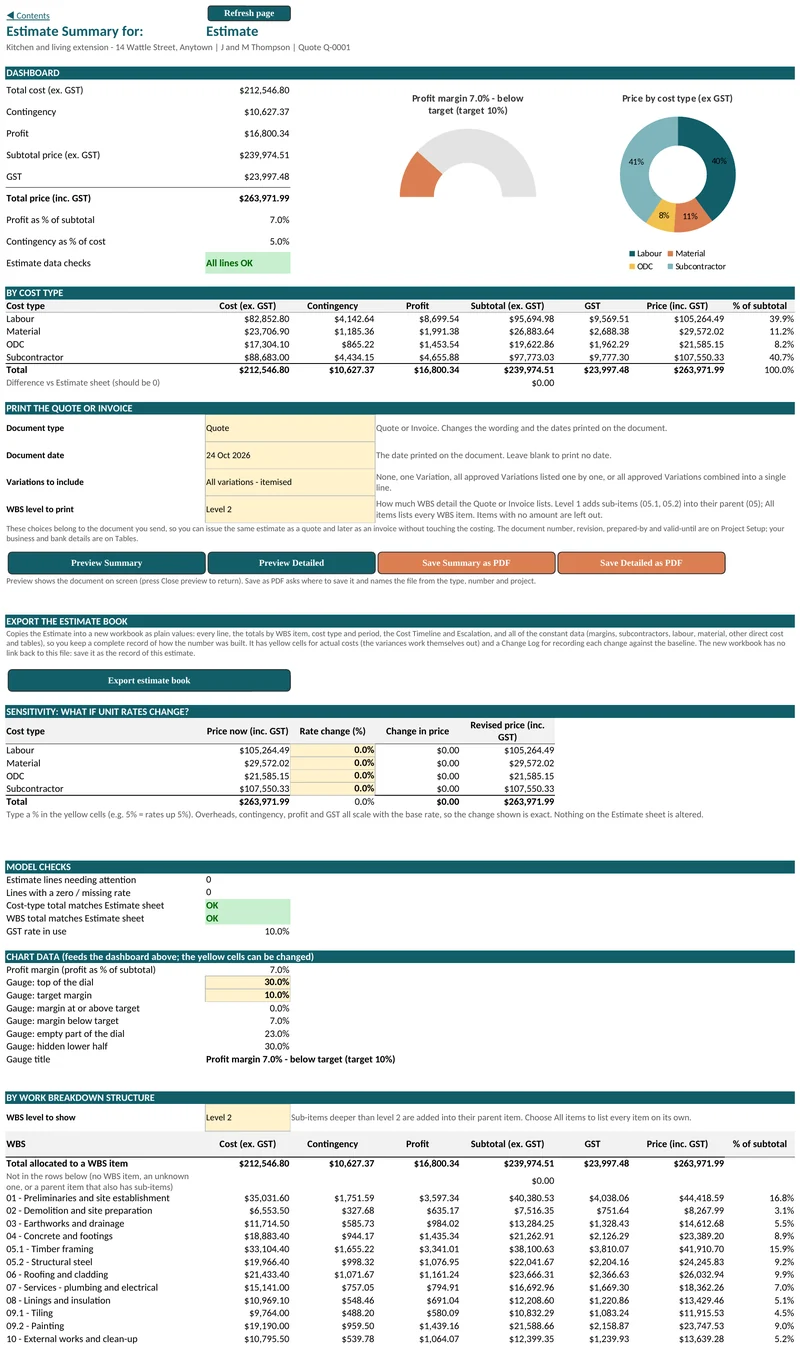
Summary. Cost Timeline
See when the money is spent, and add actual costs as the job runs.
Menu
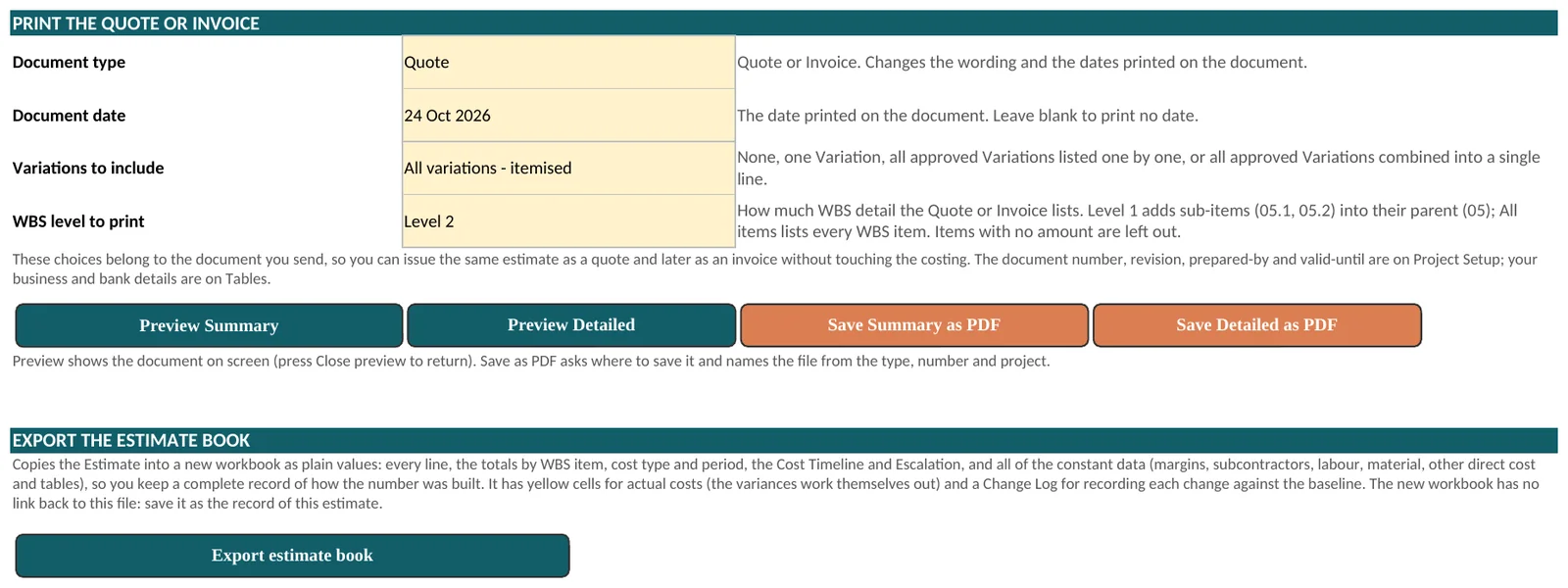
Choose Quote or Invoice, the document date, the Estimate and the Variations. Press Preview Summary, then Save Summary as PDF.
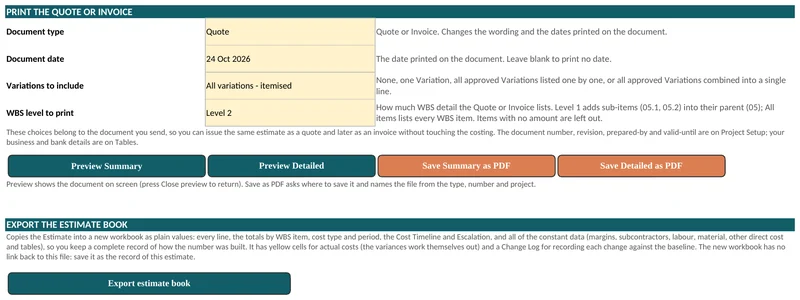
The print choices. Keep one workbook for each job
Use File, then Save As to keep a workbook for each job, and keep a clean master copy for the next one.
Quote a real job
The Costright Estimate is $495 once, with no licence key.